
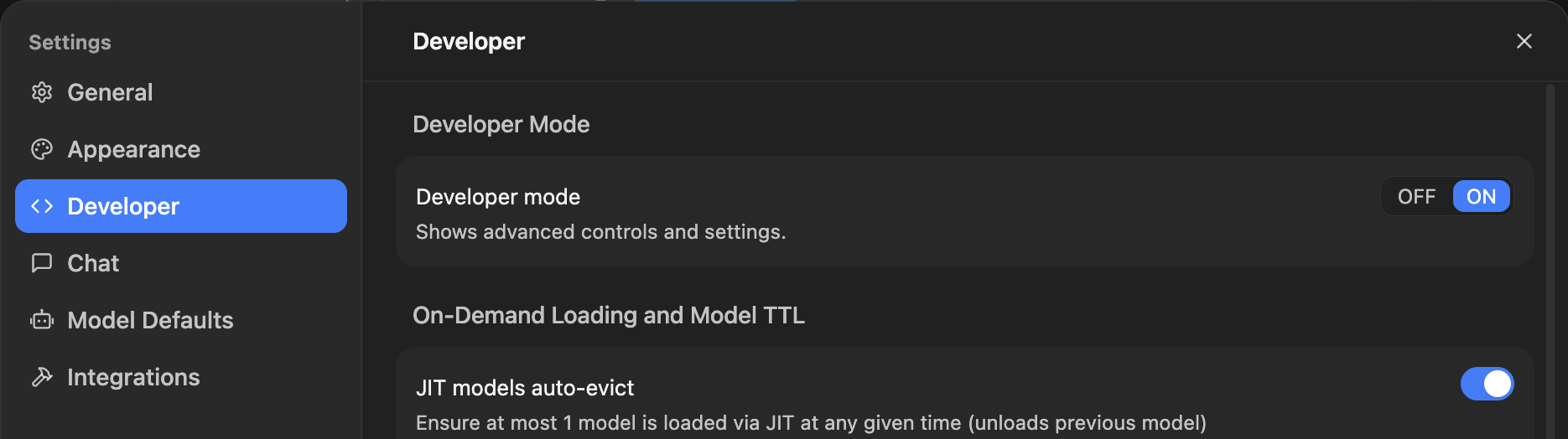
1. Switch Developer Mode to On under Settings -> Developer in LM Studio.
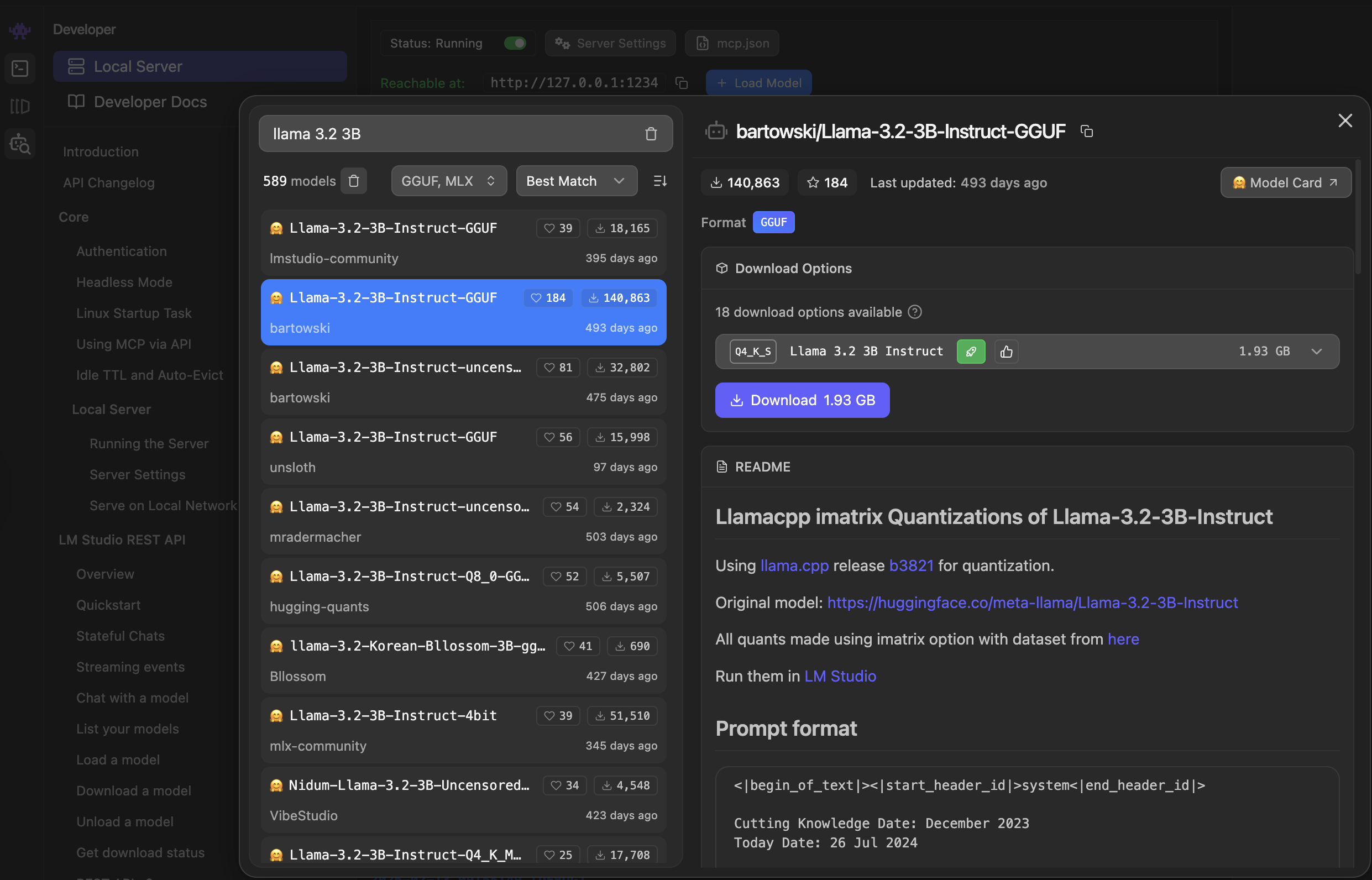
2. Search for and download the desired model(s).
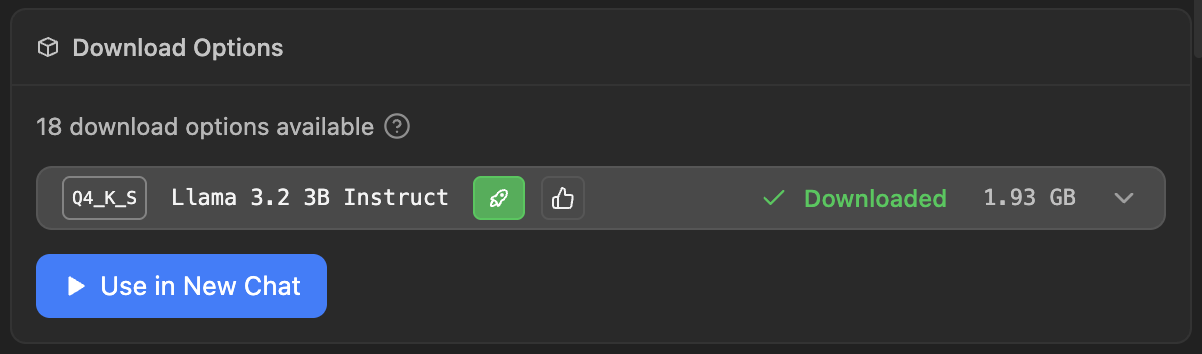
3. And load it.
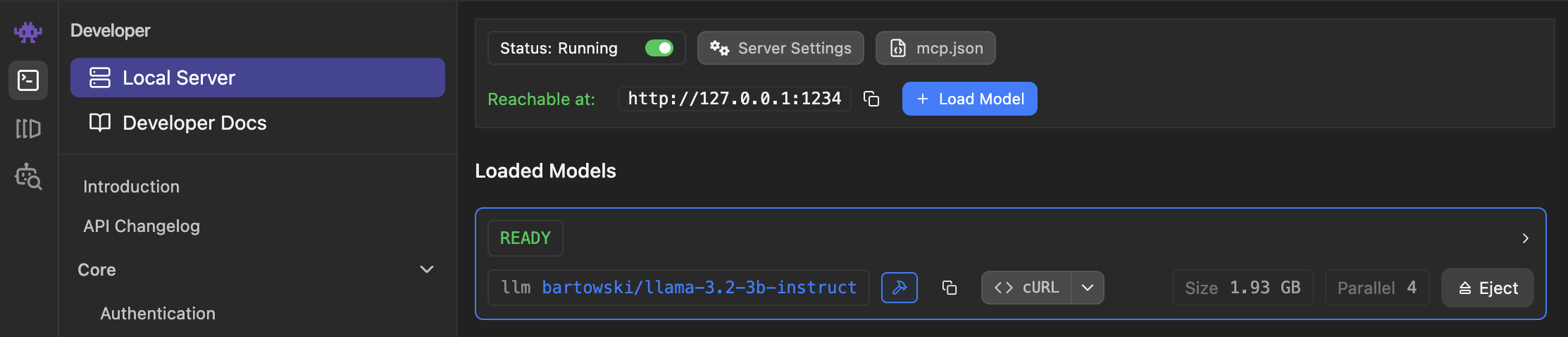
4. Now switch to the Developer pane and switch the status from 'Stopped' to 'Running'. This will start the local AI server in LM Studio.
5. In Understand select Tools->Options (Windows or Linux) or Understand->Preferences (MacOS).
Under the Data tab press the ellipses (...) next to the Provider textfield under the AI Model section. Here, under the Provider dropdown, select LM Studio. Then, verify the port and model, check the acknowledgement box, and click OK.
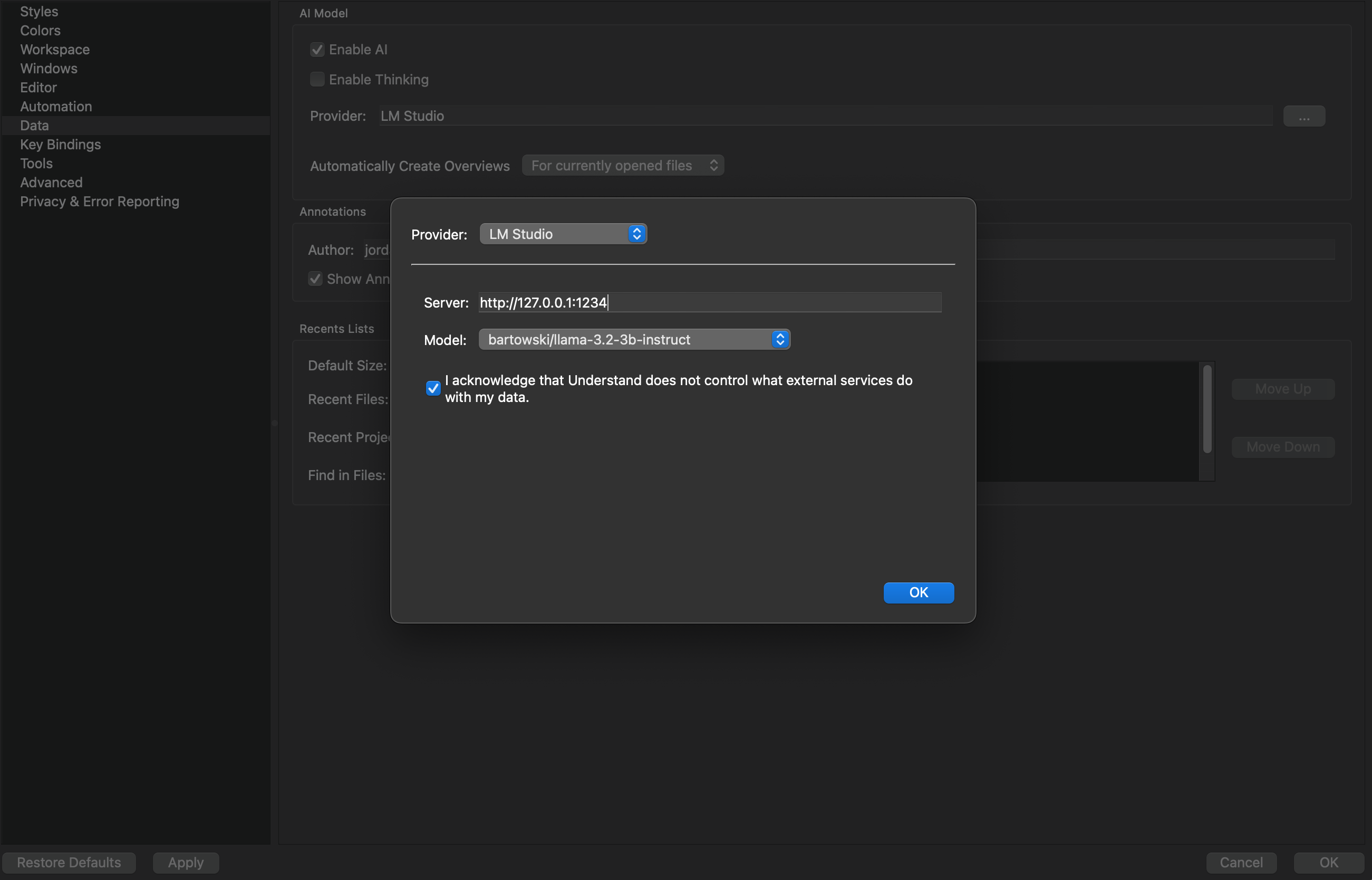
That's it! Understand should now use your LM Studio installation.
Troubleshooting Tips:
1) Is your server being detected, but no models are loading? Are you receiving the following error message?
Generation failed: Error code: 400 - {'error': {'message': "No models loaded. Please load a model in the developer page or use the 'lms load' command.", 'type': 'invalid_request_error', 'param': 'model', 'code': None}}
a) Check manually to see if you have any models loaded. The endpoint you need to test is /v1/models so the URL to manually test should be http://192.168.11.188:1234/v1/models.
b) Check the JIT settings in LMStudio.
- If JIT loading is OFF: The /v1/models endpoint will only return models that are currently loaded into memory.
- If JIT loading is ON: Calls to /v1/models will return all downloaded models, and a model will be loaded on demand when an inference request is made.
So, if models are NOT loaded and JIT is OFF, then no model will show under http://192.168.11.188:1234/v1/models.